NECO & WAEC CBT Software: Practise WASSCE & SSCE Offline
Quick Summary
MySchoolGist NECO WAEC CBT Software helps students practise WASSCE and SSCE offline on Windows.
- Study Mode and Exam Mode
- Feedback after each practice
- Offline use after setup
- ₦3,000 one-time activation
Continue reading for NECO WAEC CBT Software downloads and activation.
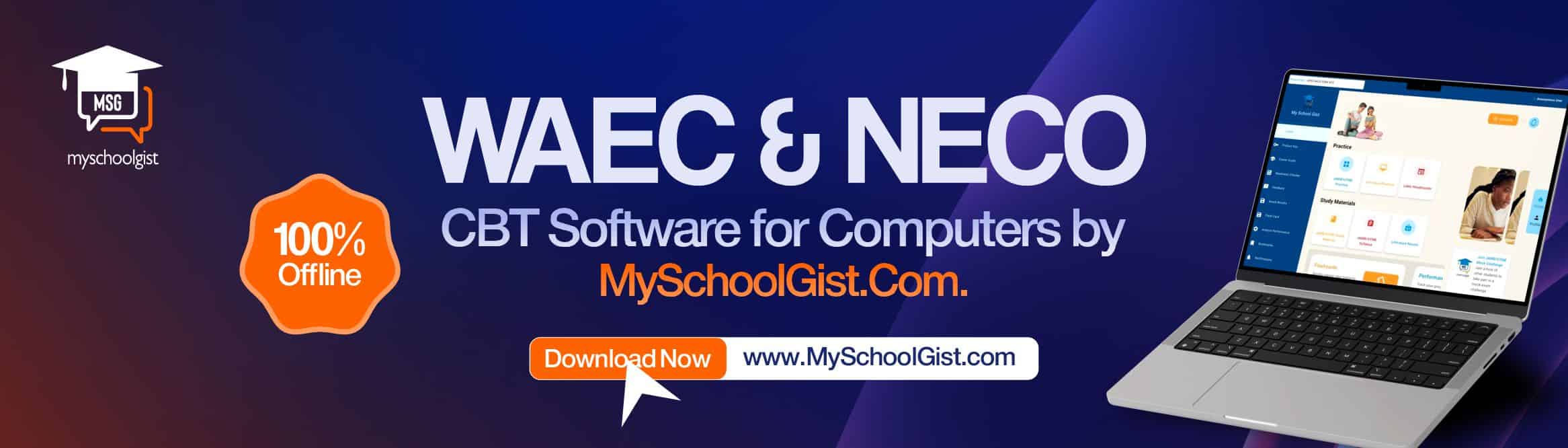
Students across Nigeria often meet the same problem before major exams: stress builds, time feels short and practice starts to feel less organised than it should. MySchoolGist NECO & WAEC CBT Software gives learners a Windows-based tool for WASSCE and SSCE preparation.
The software helps students practise with a CBT layout that feels close to the real exam screen. That matters.
It gives learners a taste of exam pressure, timing and pace before they sit for the real paper; parents also get a study helper their children can use at home without waiting for internet access after setup.
Download Links for Windows, Android and iOS
The software has download options for newer Windows computers, older Windows PCs and mobile users.
Windows 10 and Above
Students using newer Windows computers can download the PC setup for smooth offline practice.
Download MySchoolGist JAMB CBT EXE for Windows 10 and above
Download compressed ZIP setup for Windows 10 and above
Windows 7 and 8
Students with older Windows PCs can use the MSI installer and continue practising offline.
Download JAMB UTME MSI installer for Windows 7 and 8
Android and iOS
The Android and iOS versions are available on the MySchoolGist app page.
Get the Android and iOS version of the NECO and WAEC CBT app
Key Features of MySchoolGist NECO & WAEC CBT Software
The software focuses on practice, feedback and access. It does not try to confuse users with crowded menus.
- Result feedback: The app shows how many questions a student attempted, how fast they answered and where time went.
- Practice modes: Study Mode lets learners practise calmly, while Exam Mode recreates real test conditions.
- Simple layout: Buttons, menus and screens stay plain, so first-time users can settle in fast.
- Offline access: After download and setup, the app works without internet.
- CBT-style screen: Students practise with a layout that looks like an exam screen.
- Built-in calculator: The software includes a calculator for subjects that need it.
- WAEC syllabus: Learners can check the syllabus while preparing.
- Literature notes: The app includes Literature summaries and notes.
- Lifetime access: One payment opens access for lifetime use.
- Multiple users: More than one student can use the software on one device.
How the Software Works
The setup process stays direct, so students can move from download to practice without a long wait.
- Download and install: Download the software, then install it on the device.
- Activate the app: Pay the one-time fee of ₦3,000 to open the full package.
- Choose subjects: Select the subjects to practise, such as Mathematics, English or any other option available.
- Practise exams: Attempt questions, check progress and build speed with repeated practice.
Payment and Activation
Full access costs ₦3,000. Students can activate the software through either of these options:
- Pay online with a card for instant access.
- Transfer ₦3,000 to the bank account shown inside the software.
After bank transfer, the student should send the depositor name and product key from the app's activation page by text message or WhatsApp to 09155269270.
A 12-digit activation code will be sent back. The student enters the code in the app and starts using the full package.
Who the Software Serves
MySchoolGist NECO & WAEC CBT Software suits students who want offline exam practice, a CBT-style screen and quick feedback after each attempt. It also gives parents and teachers a simple tool they can point learners to when exam preparation feels scattered.
For students preparing for WASSCE or SSCE, steady practice can make the exam screen feel less strange. This software gives them that practice space.