

2027 UTME practice
Download MySchoolGist JAMB CBT Software for 2027 UTME
Choose the right Windows installer or get the mobile app. The Windows software has a free version to try; full access costs ₦3,000 once.
Windows 10 and above
Choose an EXE installer or ZIP package.
Windows 7 and 8
MSI installer for older Windows computers.
Android and iPhone
Get the MySchoolGist UTME practice app.
Need help? admin@myschoolgist.com 0915 526 9270
Chat on WhatsAppMySchoolGist JAMB CBT Software is available for candidates preparing for the 2027 Unified Tertiary Matriculation Examination (UTME). A free version is available for testing, while full access costs ₦3,000.
The software provides more than 30,000 past Joint Admissions and Matriculation Board (JAMB) questions, answers and explanations. It also includes timed practice, a computer-based test (CBT) interface and offline access after setup.
Candidates can use it to practise answering questions on a computer, review mistakes and become familiar with examination-style controls.
Features of MySchoolGist JAMB CBT Software
The software combines subject revision materials with computer-based examination practice.
Its features include:
- Over 30,000 past JAMB questions: Questions across subjects, with answers and explanations.
- Study Mode: Practice questions at a self-controlled pace, with explanations for review.
- Exam Mode: Timed practice sessions with results and answer reviews.
- Offline access: Practice without an internet connection after setup.
- CBT-style interface: A question screen, timer and navigation controls resembling the UTME format.
- Built-in calculator: A calculator for practising questions that require calculations.
- JAMB syllabus: Subject topics to guide revision.
- Literature revision: Summaries, notes and practice questions for set texts.
- Multiple-user support: Several candidates can practise on one device.
Candidates can also consult MySchoolGist's JAMB past questions and JAMB syllabus for additional study materials.
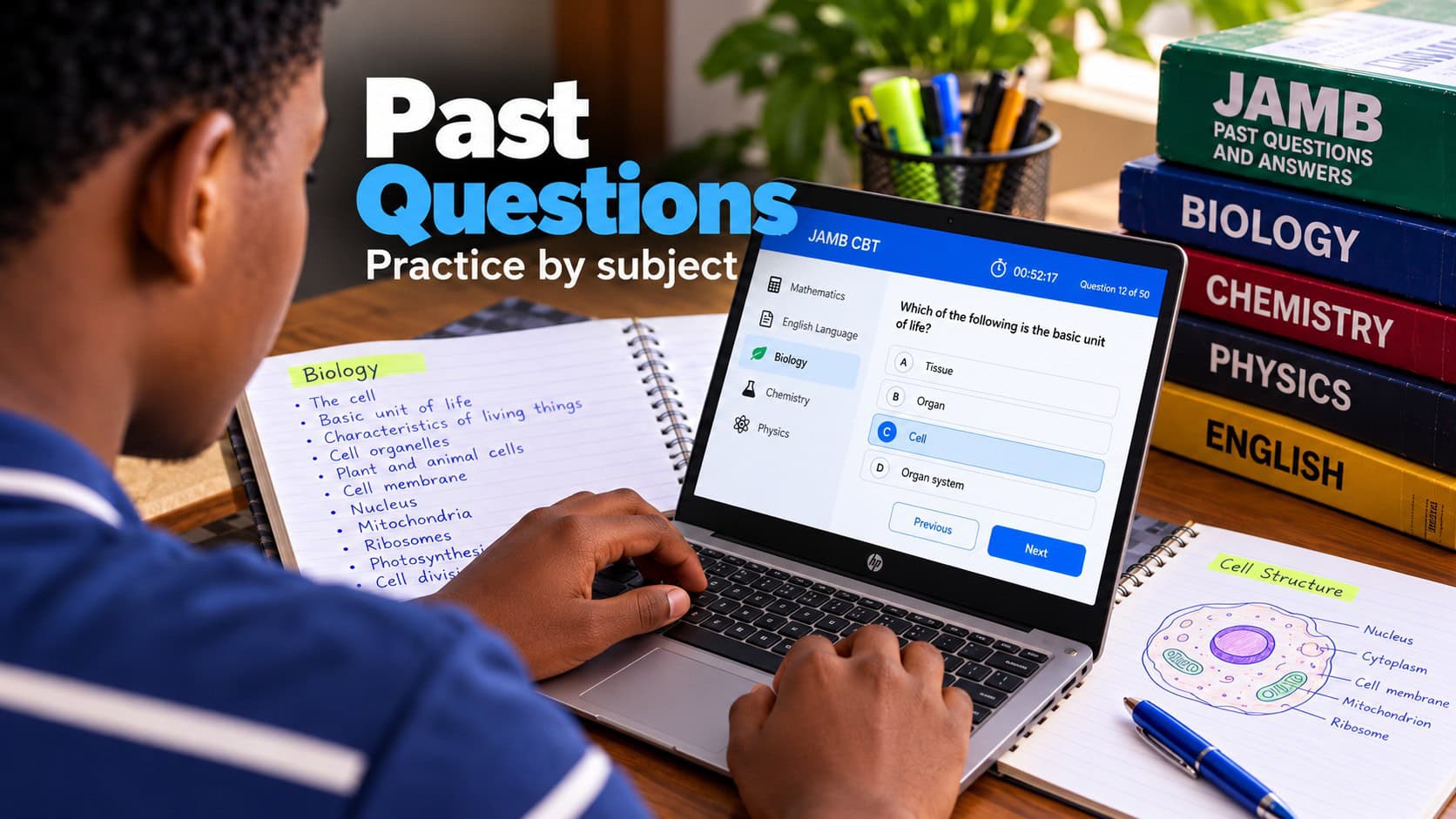
Who can use the JAMB CBT Software
The software is intended for candidates preparing for the UTME, including those taking the examination for the first time and those seeking to improve an earlier score.
Parents can also use it as a study resource for their children. Computer-based testing centres and cybercafé operators may use its multiple-user support to provide practice on shared computers.
Several candidates can practise different subjects on one device according to their chosen UTME subject combinations.
Study Mode and Exam Mode
The software offers two practice modes designed for different revision needs.
Study Mode
Study Mode allows candidates to practise questions without the pressure of a timed examination.
A candidate can select an answer, check the correct option and read the explanation. This makes the mode suitable for learning unfamiliar topics and revisiting previously missed questions.
Exam Mode
Exam Mode provides timed practice using a CBT-style interface.
Candidates answer questions while a timer runs, then review their completed sessions. The software displays incorrect answers, correct options and explanations.
These results can help candidates identify topics requiring more attention and assess their progress across practice sessions.
MySchoolGist JAMB CBT Software price
MySchoolGist provides a free version of the software for testing before full access is purchased.
The full version costs ₦3,000. The payment is not a monthly subscription, it's for an exam season.
The software also supports several users on one device, allowing family members or other candidates to practise different subjects.
Offline access and computer practice
The software can be used without an internet connection after installation and setup.
This allows candidates to continue practising when network service is poor or unavailable. It can be used in places where a suitable computer is accessible, including homes, schools and cybercafés.
The CBT-style screen also allows candidates who are less familiar with computers to practise using examination controls before the UTME.
How to activate MySchoolGist JAMB CBT Software
Candidates who want full access can activate the software using either card payment or bank transfer.
Both payment options are available through the software.
Option 1: Card payment
- Open the MySchoolGist JAMB CBT Software.
- Click "Activate".
- Select "Card Payment".
- Follow the displayed instructions to complete payment and activate full access.
Option 2: Bank transfer
- Transfer ₦3,000 to the bank account details displayed inside the software.
- Send the candidate's name and product key through WhatsApp or SMS to 0915 526 9270.
- A 12-digit activation code will be sent.
- Enter the activation code into the software.
- Click "Activate" to complete the process.
Candidates should check that the name and product key are correct before sending them, as these details are required to obtain the activation code.
Literature-in-English revision materials
The software includes Literature-in-English summaries, notes and practice questions.
Candidates can use these materials to revise set texts, review important events and revisit areas they find difficult.
MySchoolGist also provides The Lekki Headmaster questions and answers as additional revision material.
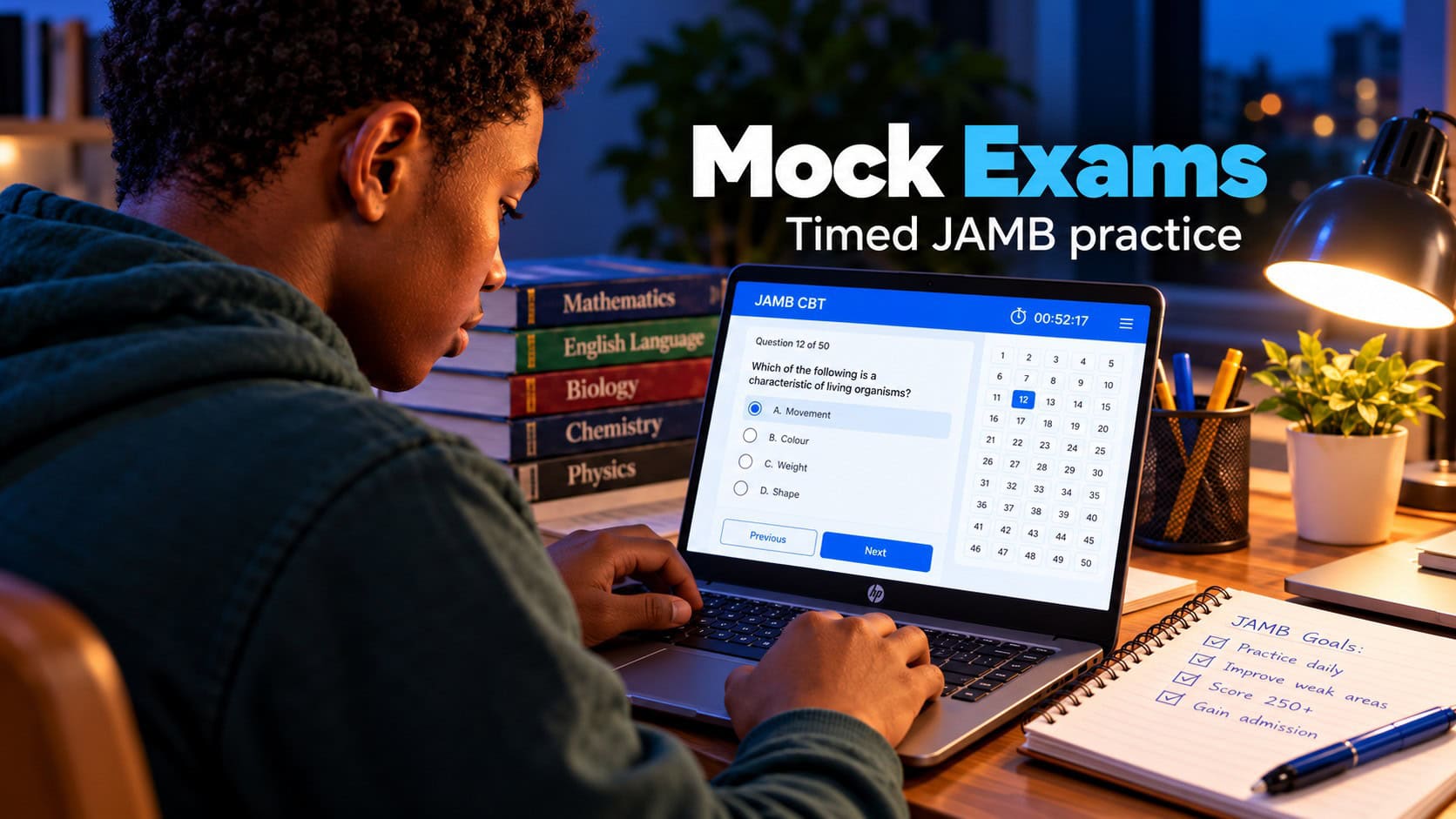
Suggested weekly UTME practice plan
Candidates can combine topic revision with timed practice throughout the week.
The following timetable is an example that can be adjusted around school activities and other commitments.
- Monday: Use Study Mode to practise two subjects, answering 30 to 40 questions.
- Tuesday: Revise English and Literature-in-English.
- Wednesday: Complete a full timed session using Exam Mode.
- Thursday: Review incorrect answers and study their explanations.
- Friday: Complete a shorter test covering two subjects.
- Saturday: Review the JAMB syllabus and revise weaker topics.
- Sunday: Rest or complete light revision.
Candidates can also record their practice scores, revisit repeated mistakes and spend more time on topics where they have difficulty.
What users have said about the software
The following comments are attributed to users of MySchoolGist JAMB CBT Software.
"I use it in my cafe in Lagos. It works well on all 50 computers."
Joel, Lagos
"It teaches in a way that makes sense to me."
Abayomi, Abeokuta
"They reply fast, they also render good service."
Becky, Lagos
"The customer service was very professional and helpful."
Kikelomo, Osun
Download MySchoolGist JAMB CBT Software
Candidates can download the software, install the free version and test its available features before deciding whether to activate full access.
The software is intended for practice with past questions and UTME-style controls. It does not provide leaked live examination questions.