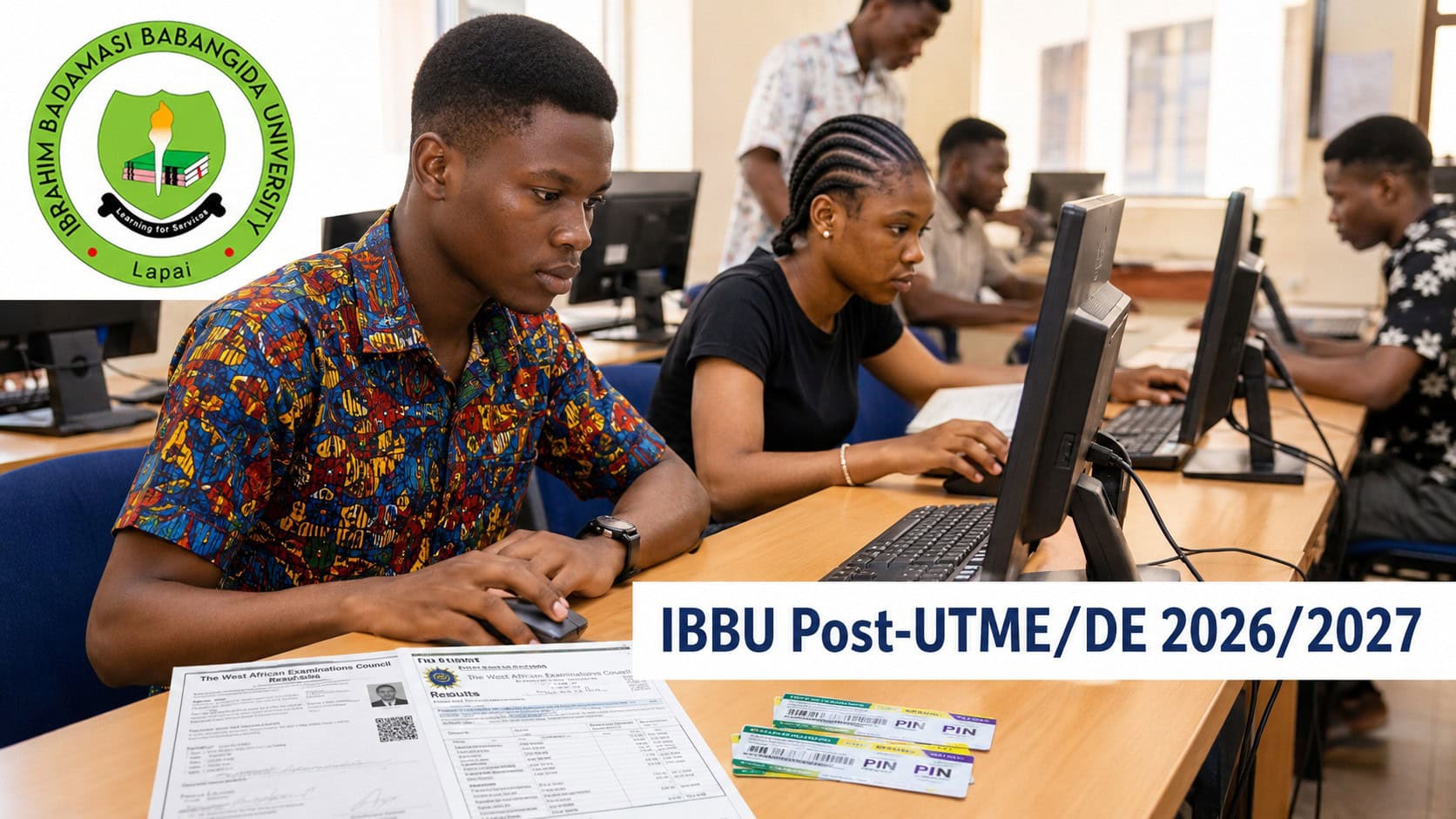
Ibrahim Badamasi Babangida University (IBBU), Lapai has announced its online Post-UTME and Direct Entry Screening and Verification Exercise for the 2026/2027 undergraduate admission exercise.
The screening will begin on Monday, 17 August 2026 and close on Sunday, 18 October 2026.
The exercise is for UTME and Direct Entry candidates who selected IBBU as their first-choice university. The prescribed screening fee is ₦2,000.
IBBU Post-UTME Screening Dates
Online screening and verification will run from:
- Opening date: Monday, 17 August 2026
- Closing date: Sunday, 18 October 2026
Candidates who fail to complete the online screening and verification exercise will not be considered for admission.
IBBU Post-UTME Eligibility
UTME candidates must have scored 150 or above in the UTME.
They must also have uploaded their O'Level results to JAMB CAPS.
IBBU must be the candidate's first-choice university.
IBBU Direct Entry Screening Requirements
Direct Entry candidates are required to upload their O'Level result together with a scanned copy of the applicable qualifying result.
Accepted qualifications listed for the exercise are:
- IJMB
- NCE
- Diploma
A'Level NABTEB is not acceptable for the Direct Entry screening.
DE candidates will also submit the required result information during the online screening process.
IBBU Post-UTME Screening Fee
The prescribed screening fee is ₦2,000.
Candidates will first complete an eligibility check, generate an invoice and then make payment through one of the methods stated on the screening portal.
The available payment methods are Branch Collect or WebPAY, as directed by the portal.
How to Apply for IBBU Post-UTME and Direct Entry Screening
Candidates are to begin the screening process through the IBBU Post-UTME screening portal.
The online process has three stages.
Stage 1: Eligibility Check
Candidates will enter their:
- JAMB Registration Number
- Phone number
- Email address
An invoice will then be generated for payment of the ₦2,000 screening fee.
Stage 2: Screening Fee Payment
Candidates will pay through Branch Collect or WebPAY, based on the instructions displayed on the portal.
Payment must be confirmed before the result submission stage can be completed.
Stage 3: Result Submission
After payment confirmation, candidates will log in and submit the required examination results.
UTME candidates will provide their O'Level results, while Direct Entry candidates will also submit the required A'Level or qualifying result information.
A maximum of two sittings is allowed.
Candidates will also enter the appropriate scratch card PIN for each result type and provide any other required information. The acknowledgement slip should be printed after submission and kept for record purposes.
New Scratch Cards Are Required for Result Verification
Candidates are strongly advised to buy a new scratch card for each examination result being submitted.
Each card should be used only once to check the result before its details are entered on the screening portal.
The status of the scratch card matters because specified invalid card types will result in disqualification.
Scratch Cards That Can Lead to Disqualification
IBBU has identified four categories of cards that candidates should avoid.
Invalid Card
An invalid card is a card that does not exist or is forged or fake.
Submitting this type of card will result in disqualification.
Used Card
A used card is one that has already been used to check another candidate's result.
Candidates should obtain their own new card for the result being submitted.
Exhausted Card
An exhausted card has reached its usage limit.
A card used up to five times is regarded as exhausted under the screening instructions.
Expired Card
An expired card is no longer active or valid.
Candidates should check the card before submitting its PIN on the portal.
Maximum of Two O'Level Results
Candidates may present a maximum of two O'Level results during the screening exercise.
Where more than one result is being submitted, the appropriate scratch card PIN should be provided for each result type as required by the portal.
Awaiting Result Candidates
Candidates whose O'Level results are not yet available may indicate Awaiting Result (AR) during the screening.
The outstanding result must be uploaded before the admission exercise closes.
Candidates using awaiting results should therefore ensure that the required result is supplied within the admission period.
False Information Will Lead to Disqualification
Candidates are expected to provide correct information throughout the screening and verification exercise.
Supplying false information will result in disqualification.
The same consequence applies where any of the prohibited scratch card categories is submitted.
Completion of Screening Is Required for Admission Consideration
Every eligible candidate seeking admission through the 2026/2027 exercise must complete the online screening and verification process.
Failure to complete it means the candidate will not be considered for admission.
Candidates can check further University information through the official IBBU website.
IBBU Screening Troubleshooter
| Candidate's Situation | What to Check | What Should Be Done | Screening Position |
|---|---|---|---|
| 📊 UTME score is 150 or above | O'Level result and first-choice status | Confirm the result is on JAMB CAPS | Candidate can proceed if other conditions are met |
| 🎓 Direct Entry applicant | IJMB, NCE or Diploma result is required | Upload O'Level result and scanned qualifying result | A'Level NABTEB is not accepted |
| 💳 Payment has not reflected | Screening requires confirmed payment | Follow the portal's Branch Collect or WebPAY instructions | Result submission follows payment confirmation |
| 🔐 Scratch card has been used for another candidate | Used cards are invalid for this exercise | Obtain a new card for the candidate's own result | Used cards can cause disqualification |
| ⚠️ Scratch card has reached five uses | The card is regarded as exhausted | Purchase a new scratch card | Exhausted cards can cause disqualification |
| 📄 Candidate has two O'Level results | Maximum of two sittings is allowed | Submit both with the required PINs | Both results may be presented |
| ⏳ Result is still awaiting | AR may be indicated | Upload the result before admission closes | Missing result must be supplied within the admission exercise |
| 🗓️ Screening has not been completed | Deadline is Sunday, 18 October | Complete all screening stages before closing | Incomplete screening means no admission consideration |