Jigawa State College of Nursing Sciences has announced that printing of the Post-UTME examination slip has commenced for candidates seeking admission into the National Diploma and Higher National Diploma Nursing Programme for the 2026/2027 admission exercise.
The notice applies to applicants who selected the Birnin Kudu, Babura or Hadejia campus.
Each candidate is advised to sign in through the admission portal assigned to the selected campus, print the examination slip and check the date, time and venue stated on the document. A physical copy will be presented at the examination venue.
Who Should Print the Jigawa Nursing Post-UTME Slip?
The examination slip is for candidates who applied for the 2026/2027 ND/HND Nursing Programme at Jigawa State College of Nursing Sciences.
Applicants from the following campuses are covered:
- Birnin Kudu Campus
- Babura Campus
- Hadejia Campus
Each applicant should use the portal that belongs to the campus selected during the admission application.
Why Is the Post-UTME Examination Slip Required?
The slip is the document through which an applicant will confirm the assigned examination schedule.
It contains the candidate's:
- Examination date
- Examination time
- Examination venue
A clear physical copy must be kept safely, as candidates will be required to present it at the venue on their scheduled examination date.
Which Portal Should Each Campus Applicant Use?
Applicants must use the admission portal assigned to their selected campus.
Birnin Kudu Campus Portal
Birnin Kudu applicants should visit the Birnin Kudu Post-UTME applicant login portal.
Hadejia Campus Portal
Hadejia applicants should use the Hadejia Campus Post-UTME login portal.
Babura Campus Portal
Babura applicants should sign in through the Babura Campus Post-UTME login portal.
The campus selected during the admission process should guide the choice of portal.
How Can Candidates Print the Post-UTME Examination Slip?
Applicants should complete the online process in the following order.
1. Open the Correct Campus Portal
The candidate should open the admission portal for Birnin Kudu, Babura or Hadejia Campus.
Using the correct portal will provide access to the applicant profile linked to that campus.
2. Locate the Applicant Login Section
The applicant or user login section will be available on the portal home page.
The candidate should open the login page before entering the required details.
3. Enter the Registration Details
The applicant should provide the login information requested by the portal.
These details usually include:
- JAMB registration number
- Phone number used to create the application profile
The same phone number supplied during the initial application should be entered where requested.
4. Select the Examination Slip Option
After a successful login, the applicant should open the profile dashboard.
The candidate should then select the option marked "Print Exam Slip" or "Print Post-UTME Slip", depending on the wording displayed on the campus portal.
5. Download and Print the Slip
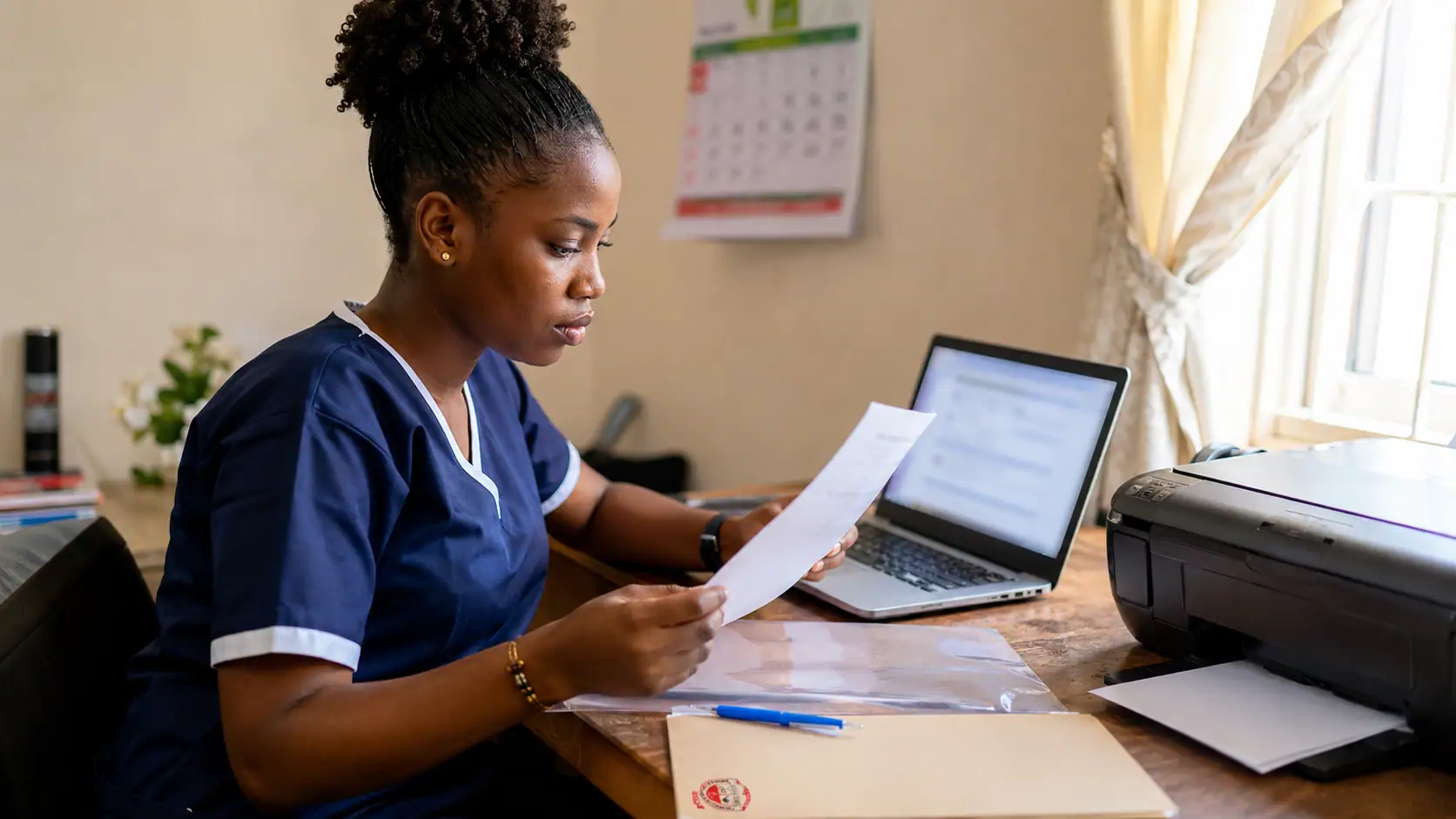
The generated examination slip should be downloaded and printed.
The printed copy must be clear enough for the date, time, venue and candidate details to be read without difficulty.
What Should Candidates Check on the Printed Slip?
Each applicant should review the examination information immediately after the document has been generated.
The candidate should check:
- The name and registration details
- The assigned examination date
- The examination time
- The stated venue
- The selected campus
Where the slip has been printed faintly or part of the page is missing, another clear copy should be produced before the examination day.
Which Login Details Will Be Needed?
The portal will request the applicant's registration credentials.
The notice identifies the JAMB registration number and the phone number used during initial profile creation as the usual login details.
Applicants should enter the details in the same form used during the application process.
Can an Applicant Use Another Campus Portal?
Each applicant should use the portal assigned to the selected campus.
A Birnin Kudu candidate should use the Birnin Kudu portal, while Hadejia and Babura applicants should use their respective campus portals. This will help the candidate reach the correct application profile and examination record.
What Should Be Done After Printing the Slip?
The physical copy should be kept in a safe place until the examination date.
Candidates are expected to take the document to the assigned venue, as it will be required for the scheduled Post-UTME examination. The date, time and venue printed on the slip should guide the candidate's examination arrangements.
Applicants should print their slips through the correct campus portal and retain the documents for the examination.
Long Title: Jigawa Nursing Post-UTME Slip 2026/2027: Print ND/HND Examination Details
Meta Description: Print the Jigawa Nursing Post-UTME slip for 2026/2027 and check the ND/HND examination date, time, venue and correct campus portal.
URL Slug: jigawa-nursing-exam-slip
Meta Title 1: Jigawa Nursing Post-UTME Slip 2026/2027
Meta Title 2: Jigawa Nursing Post-UTME Slip: Get Your ND/HND Exam Date and Venue