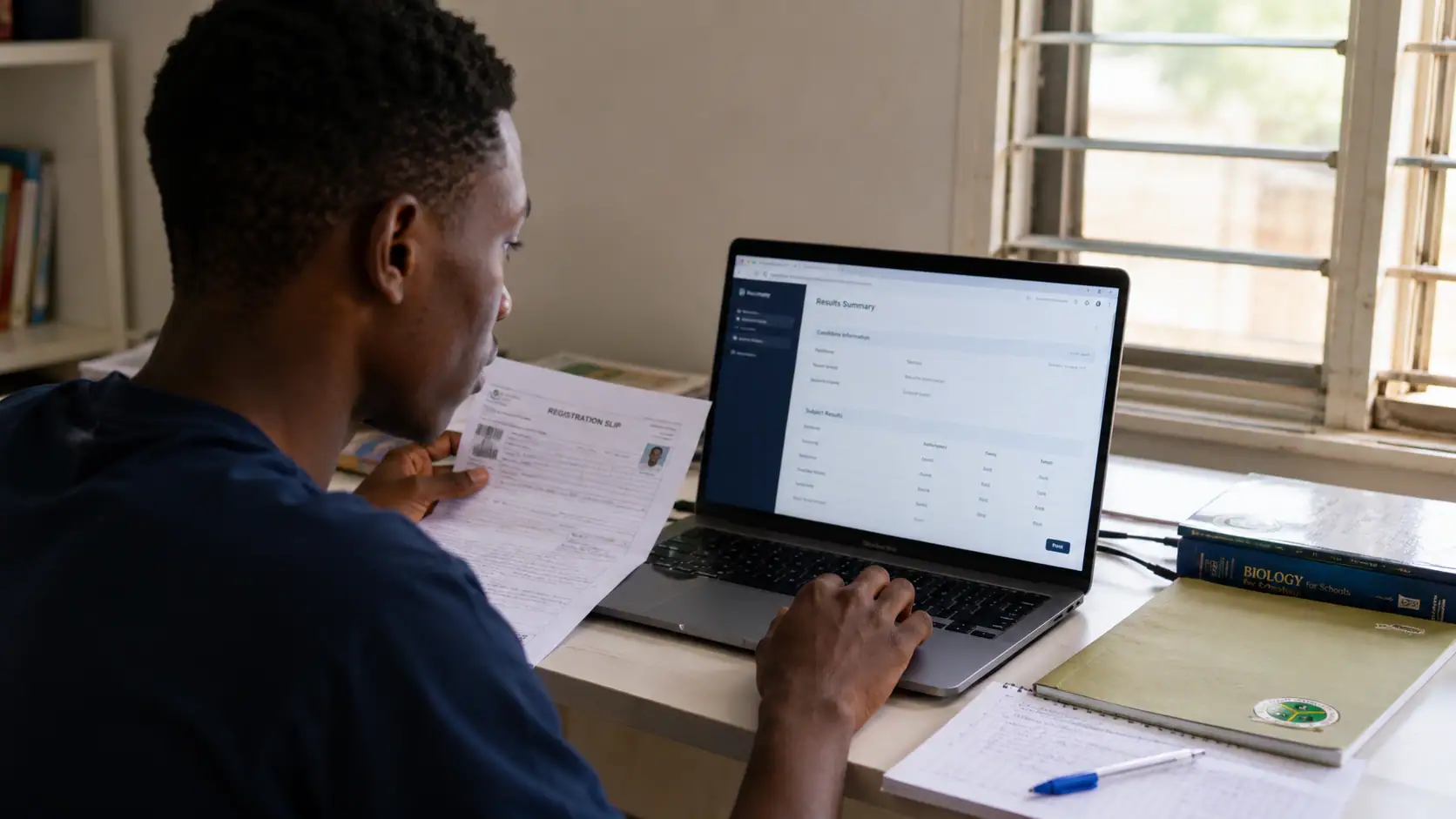
Michael Okpara University of Agriculture Umudike (MOUAU) has released the Post UTME screening result for the 2026/2027 academic session. Candidates who took part in the screening exercise are able to view their scores online with their registration numbers.
The checking process is completed through the university's result portal. Candidates should enter their details carefully, as an incorrect registration number may prevent the result from appearing.
Has MOUAU Released the 2026/2027 Post UTME Result?
Yes. The MOUAU Post UTME result for the 2026/2027 academic session is now available online.
Candidates who participated in the screening exercise can access the result portal and check the score recorded against their registration number.
Where Can Candidates Check the MOUAU Post UTME Result?
Candidates are to use the official MOUAU Post UTME result portal.
The portal contains a field for entering a registration number and a "Submit" button for retrieving the result.
How Can Candidates Check the MOUAU Post UTME Result?
The result can be checked by following these steps:
- Open the MOUAU Post UTME result portal.
- Enter the correct registration number in the space provided.
- Check the registration number for missing or incorrect characters.
- Select the "Submit" button.
- The MOUAU Post UTME result will be displayed on the screen.
Candidates should read the displayed information carefully after the result appears.
What Detail Is Required to Check the Result?
A candidate's registration number is required.
The number should be entered exactly as issued or used during the screening exercise. A missing letter, number or other incorrect character may stop the portal from retrieving the candidate's result.
What Should Candidates Check Before Submitting Their Details?
Each candidate should confirm that the registration number is complete and correct before selecting "Submit".
The internet connection should also be secure and reliable. An unstable connection may interrupt the process while the result page is loading or while the registration details are being submitted.
What Can Candidates Do When the Result Does Not Appear?
A candidate whose result does not appear should first recheck the registration number entered on the portal.
The candidate should also confirm that the internet connection is working properly before submitting the details again. These checks may resolve errors caused by incorrect information or a weak connection.
What Information Does the MOUAU Post UTME Result Provide?
The result shows the candidate's performance in the MOUAU Post UTME screening exercise for the 2026/2027 academic session.
It gives each applicant a clear view of the score recorded through the screening process, which may support informed decisions concerning the admission exercise and future educational plans.