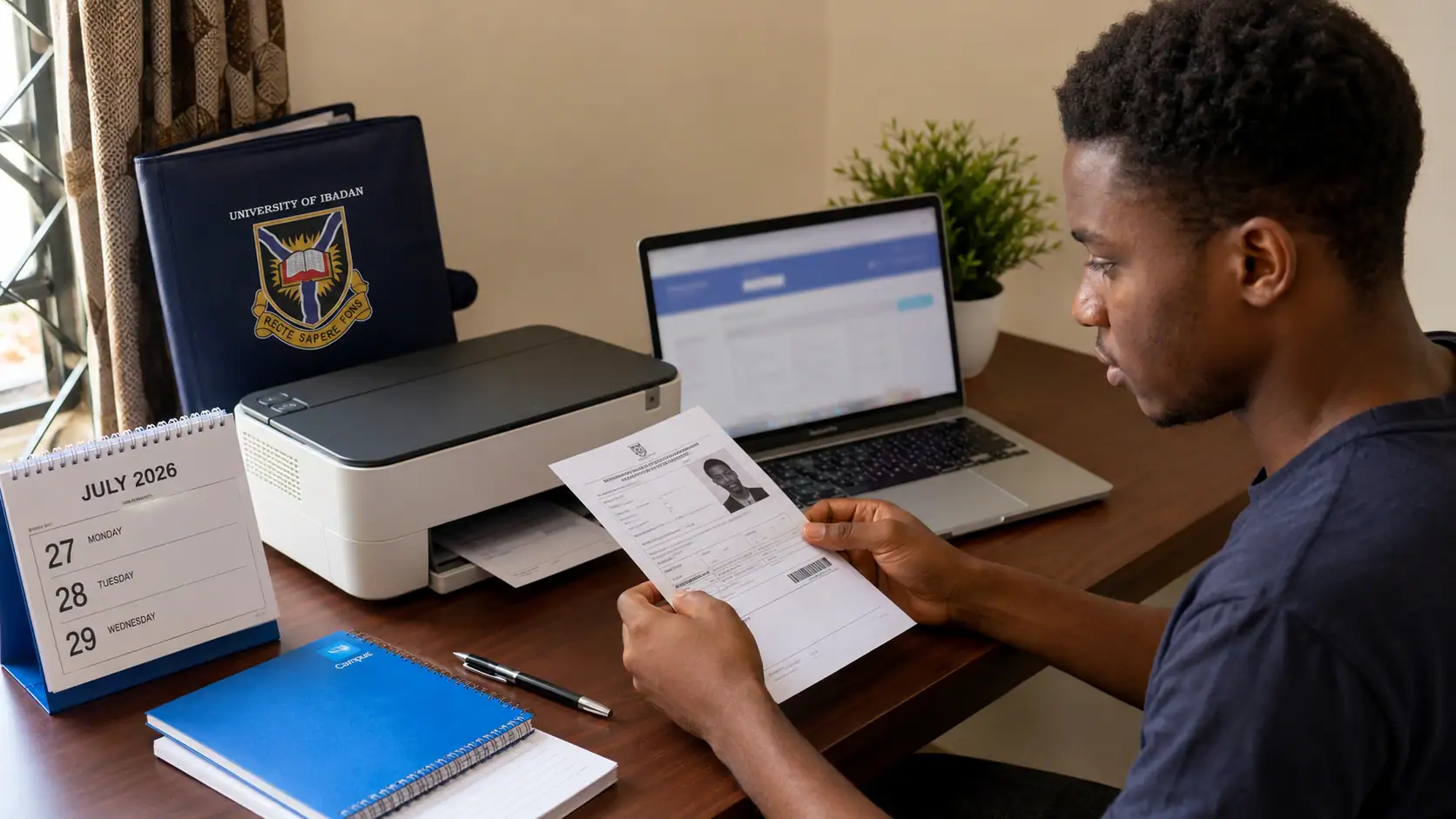
The University of Ibadan has directed candidates who registered for the 2026/2027 Post-UTME screening to log in and reprint their screening photocard.
Photocard printing began on Tuesday, 21 July 2026, while the Post-UTME Screening Exercise will be held from Monday, 27 July to Wednesday, 29 July 2026.
When Did UI Photocard Reprinting Begin?
Reprinting began on Tuesday, 21 July 2026.
Each registered candidate will be required to access the University of Ibadan admission portal and print the photocard before the assigned screening date.
When Will the UI Post-UTME Screening Hold?
The screening exercise will be held on the following dates:
- Monday, 27 July 2026
- Tuesday, 28 July 2026
- Wednesday, 29 July 2026
The exact date and other assigned details will be displayed on each candidate's photocard.
Why Is the UI Screening Photocard Required?
The photocard contains the information a candidate will need to locate the assigned screening venue and seat.
Details on the photocard include:
- JAMB information
- Candidate's photograph
- Screening date
- Screening venue
- Seat number
The photocard will be required for entry into the screening venue.
How Can Candidates Reprint the UI Post-UTME Photocard?
Candidates may complete the process through the University of Ibadan admission portal.
- Visit the UI admission portal.
- Enter the JAMB registration number as the username.
- Enter the surname as the password during the first login.
- Access the candidate dashboard.
- Scroll to the section containing the examination details.
- Select "Click here to print your photocard".
- Print the photocard and keep it safe.
The printed details should be checked before the screening date.
What Login Details Will Be Used?
The login details are:
- Username: JAMB registration number
- First-login password: Surname
The surname should be entered as required on the admission portal.
What Should Candidates Check After Printing?
Each candidate should confirm that the photocard clearly shows:
- The correct JAMB details
- A recognisable photograph
- The assigned screening date
- The screening venue
- The seat number
The printed copy should remain clear and readable.
Can the Photocard Be Printed More Than Once?
The notice directs candidates to log in and reprint the photocard.
A candidate may retain another clear copy for personal use, while the copy intended for the screening should be kept clean and safe.
What Should Candidates Take to the Screening Venue?
Candidates should attend with:
- The printed screening photocard
- Required writing materials
The notice states that calculators, mobile phones and electronic devices will not be allowed in the examination hall.
Which Items Are Prohibited?
Candidates must not bring:
- Calculators
- Mobile phones
- Electronic devices
The restriction applies inside the examination hall.
How Can Candidates Prepare for the Screening?
Candidates may review the University of Ibadan Post-UTME past questions and answers before the screening exercise.
The photocard should also be printed early enough for the candidate to confirm the assigned date, venue and seat number.
What Fraud Warning Has UI Issued?
Candidates have been warned about people who may claim that they can secure admission in exchange for money.
Admission information should be obtained through official channels. Candidates should disregard any person who requests payment in return for an admission offer.
What Should Be Done Before Leaving for the Venue?
Before travelling to the screening venue, each candidate should confirm that:
- The photocard is available and readable.
- The date on the photocard matches the screening day.
- The assigned venue and seat number have been checked.
- No prohibited electronic device is being carried.
Early preparation will reduce avoidable problems on the screening day.