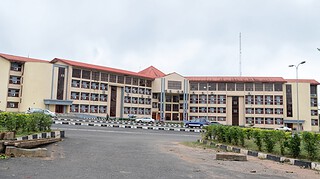
The University of Maiduguri (UNIMAID) has announced the start of admission letter printing for newly admitted candidates for the 2025/2026 academic session.
A statement from the Office of the Registrar, issued on Wednesday, 31 December 2025, said the portal will be open from Friday, 2 January 2026. This is for candidates admitted through Unified Tertiary Matriculation Examination (UTME) and Direct Entry (DE).
Who Can Print the UNIMAID Admission Letter
UNIMAID said only candidates who chose the University of Maiduguri as their first choice in the Joint Admissions and Matriculation Board (JAMB) are allowed to print the admission letter.
Candidates are also expected to confirm their admission status before trying to download anything. If the status is not confirmed, the portal may not show the letter and that can waste time.
How to Print the Admission Letter
Admitted candidates should visit the University website: University of Maiduguri official website and click on the Admission Portal. That will take them to the UMSTAD login page.
From there, candidates should:
- Log in using their JAMB Registration Number as the username and password
- On the dashboard, choose "Download Admission Letter"
- Check the admission details shown on the screen
- Download and print the letter
Check Details and Follow the Steps
The University advised candidates to check their personal details carefully on the portal and follow the instructions as given. If someone skips steps or enters wrong details, it may cause delay during registration and nobody wants delays at that stage.
Admission Is Still Provisional
UNIMAID also said the admission remains provisional. It still depends on meeting all admission requirements and passing the University clearance process.
For more help, candidates can contact the Admissions Office or keep checking the University website for updates.