JAMB Admission Letter for UTME / DE « 2025 & Years Downward
The Joint Admission and Matriculation Board has opened its portal for UTME and Direct Entry candidates to print their admission letters. This applies to those offered admission from the 2025/2026 session backwards. Read on for simple instructions and payment details.
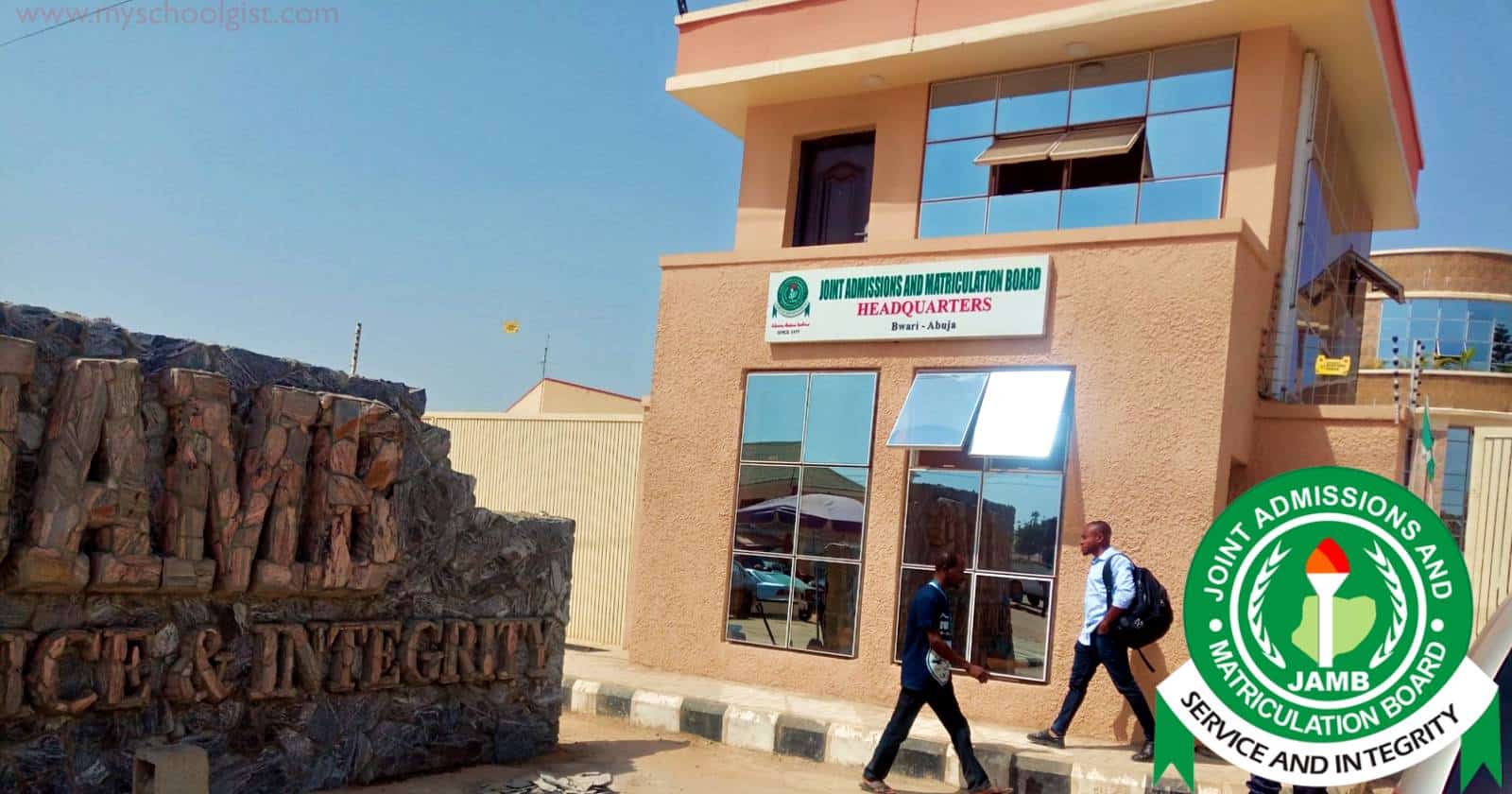
Every year, fresh students go through the same ritual. Check admission, breathe a little, then rush to print that all-important JAMB admission letter. This time, the Joint Admission and Matriculation Board, better known as JAMB, has made the door wide open for both UTME and Direct Entry candidates to get theirs online.
It's a simple move, but one that saves you the back-and-forth that used to drain time and patience.
Prepare for JAMB, WAEC, NECO, BECE, NCEE and Post UTME
Practise CBT Exams on Mobile or PC
Prepare for Post UTME, WAEC, NECO, JAMB UTME, Junior WAEC (BECE) and Common Entrance (NCEE) with the MySchoolGist CBT App and Software. Use it on Android, iPhone or Windows to practise past questions anytime.
Need help choosing the right version? Chat with us on WhatsApp .
Alternative admission through JUPEB and IJMB programmes [Sponsored]
Enter 200-Level Directly! Gain University Admission via JUPEB/IJMB . Enjoy Low Fees! Call 08033006849 Now!
Who can use it
If you were offered admission in the 2025/2026 session or even earlier, you can log in and print right away. The only thing standing between you and the letter is a small fee of ₦1,000, paid directly on the JAMB website.
Yes, it is paid. No, you cannot dodge it.
How to print your JAMB admission letter
Once your profile is ready, here is the drill.
- Visit the JAMB portal and log in with your email and password.
- Look for the Admission Letter tab, either on the sidebar or home page.
- Select it and you will see a Transaction ID on your screen.
- Review the details, note the Transaction ID and click Continue to pay with your card. You can also pay via ATM, bank cash or Quickteller using that ID.
- On the payment page, enter your card details, pay and wait for the confirmation. You will get an email and SMS once it goes through.
- After payment, enter your exam year and JAMB registration number.
- Print the admission letter displayed on your screen.
One small reminder
Before you rush to print, check your admission status first on JAMB CAPS.
For many, this is more than a sheet of paper. It is proof that all the reading, the long nights and the nervous prayers finally led somewhere. And if you have yours in hand, omo, guard it well.
Share This Post: If this post helped you, share it with others! Use the buttons below to spread the word!
More Articles:
- Joint Admissions and Matriculation Board (JAMB) Mop-Up Examination Slip Printing Procedure 2026
- MySchoolGist JAMB CBT App for UTME Candidates: Mobile Past Questions, Syllabus, Offline Practice and Exam-Style Screen
- MySchoolGist JAMB CBT Software 2026 for UTME Practice, Offline Study and Full Activation

- JAMB Change of Course / Institution / Data Procedure 2026

- Joint Admissions and Matriculation Board (JAMB) Mop-Up Examination 2026

- Joint Admissions and Matriculation Board (JAMB) Withheld UTME Results 2026: 279 Results Released After Review
- Professor Segun Aina Appointed JAMB Registrar: Profile, Career and Key Facts

- Joint Admissions and Matriculation Board (JAMB) Cut-Off Marks for 2026/2027 Admission Exercise